BgDataViewer

Professional Data Viewer & Statistics Tool for Loxone Miniserver*
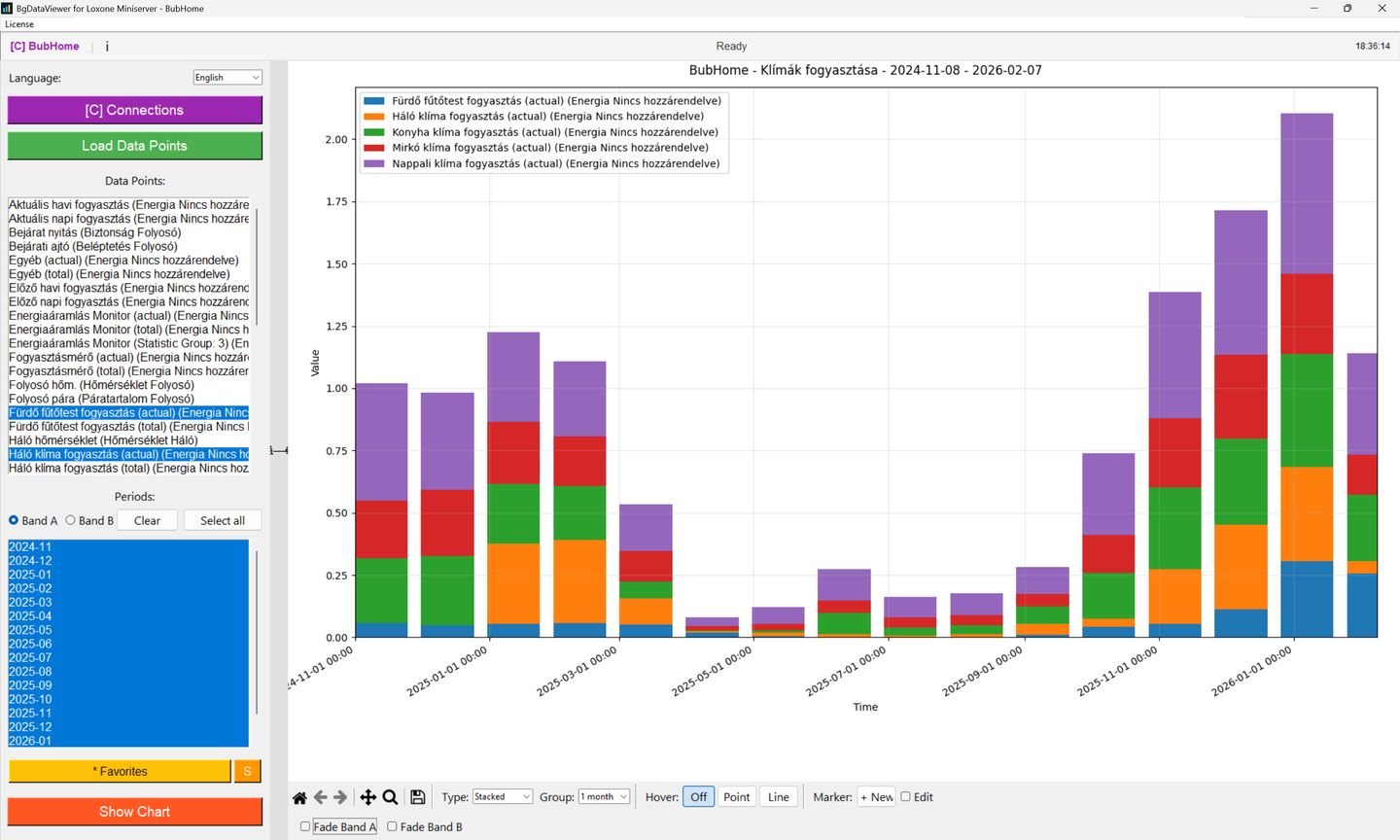
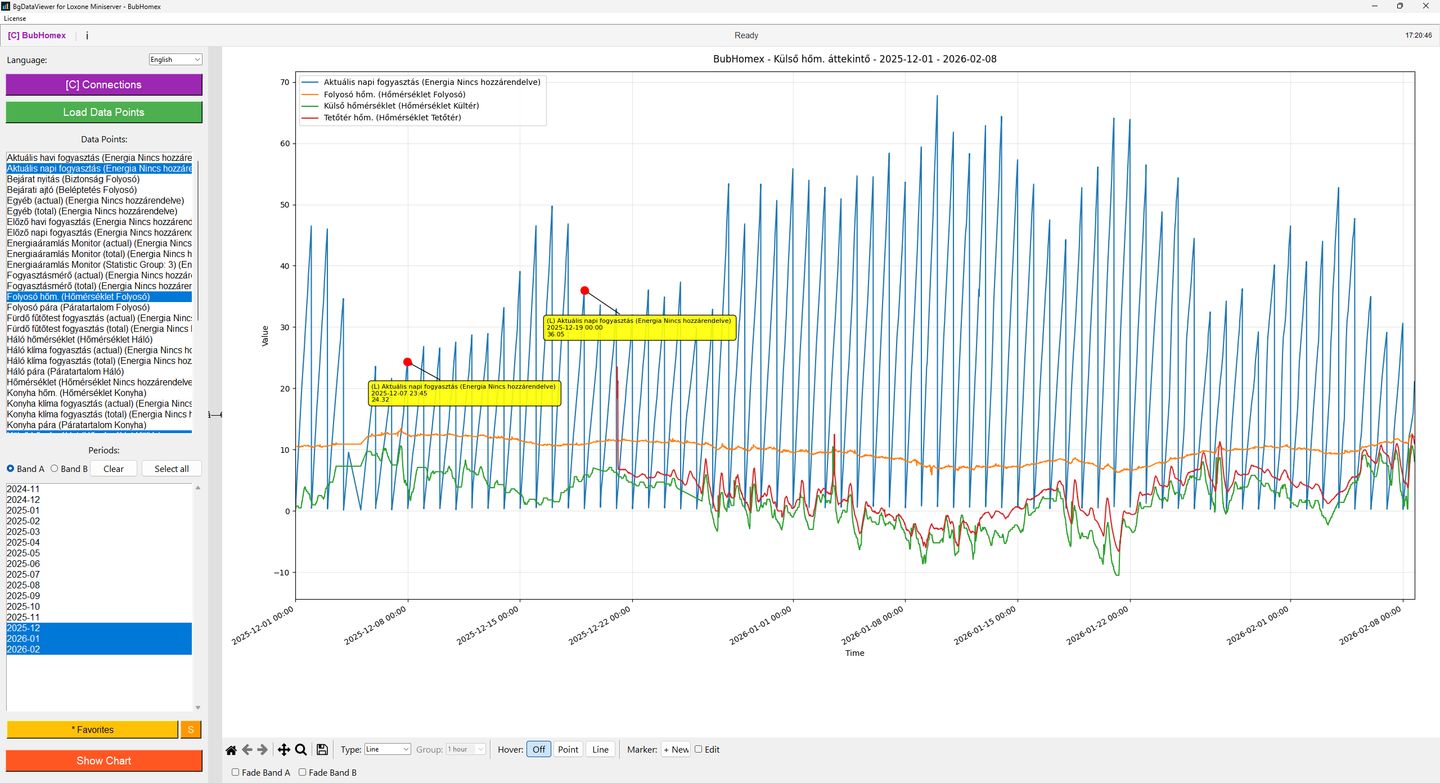
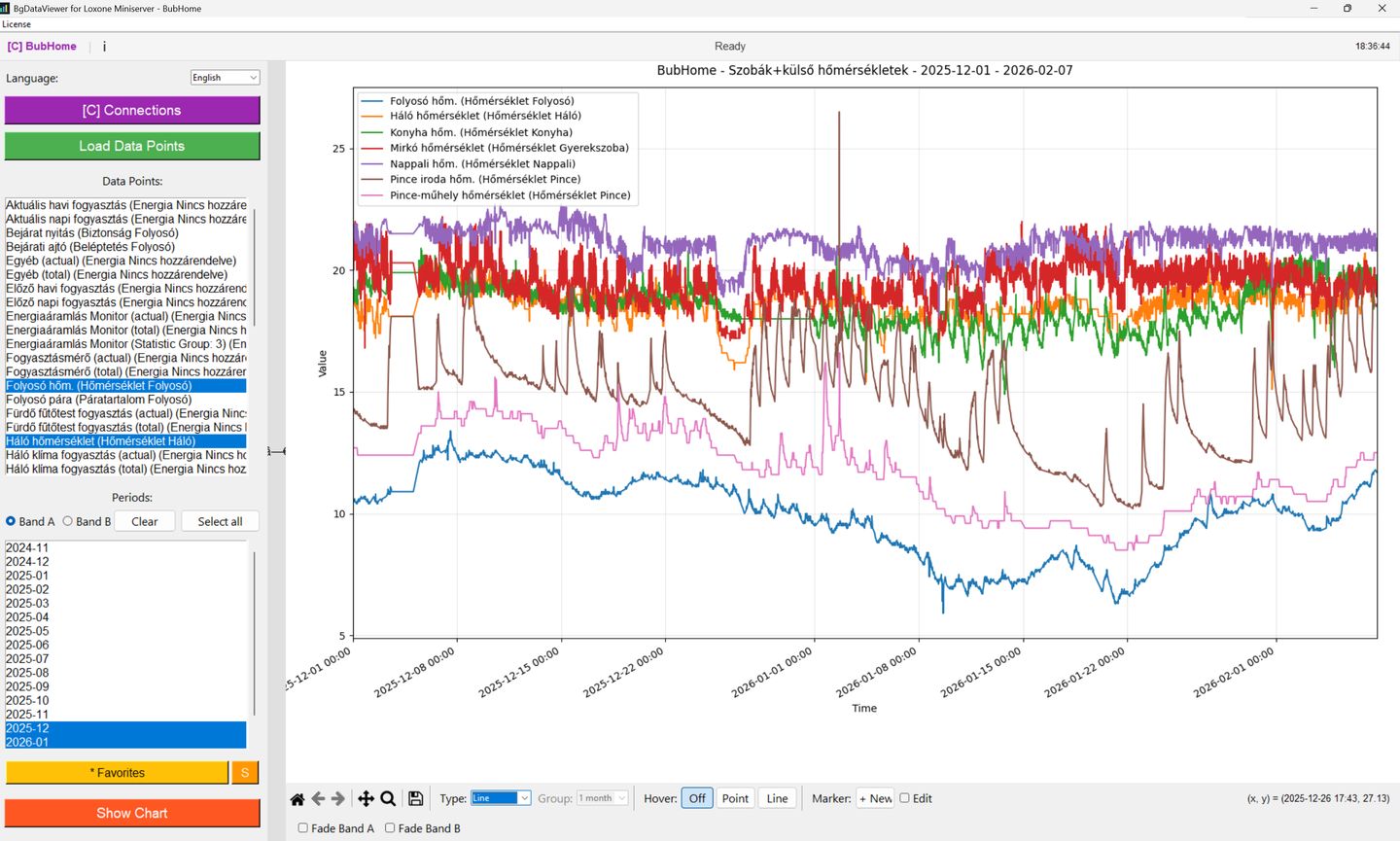
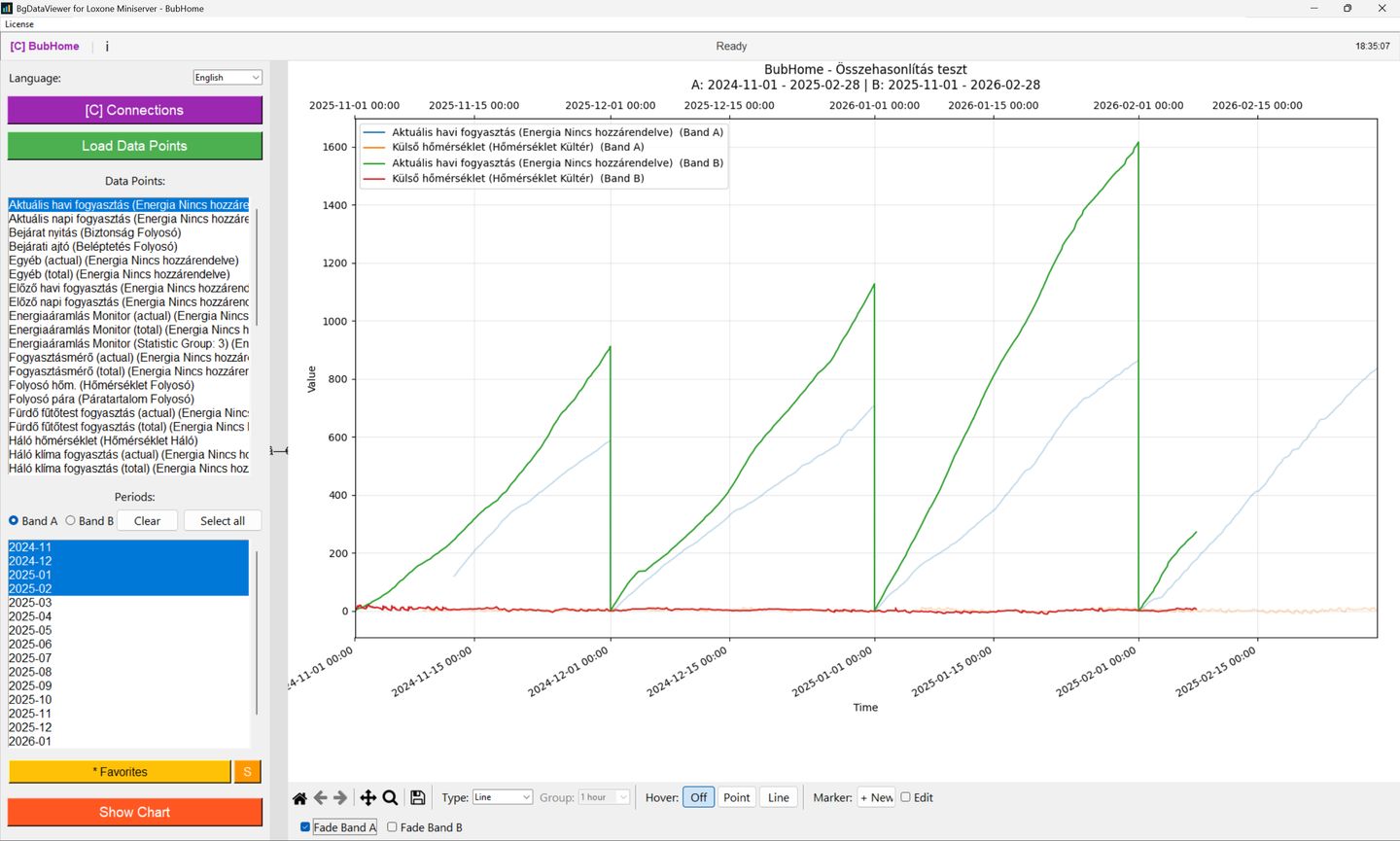
BgDataViewer Screenshot 1 BgDataViewer Screenshot 2 BgDataViewer Screenshot 3 BgDataViewer Screenshot 4
Get Started

Why BgDataViewer?

Everything you need to analyze and visualize your Loxone statistical data

NEW
📤

Share Charts by Link

Share chart snapshots with a single click. Data series, markers, and all visual settings are bundled into a compressed package and accessible via a public link – no Loxone connection needed for viewers. Manage your shares, track limits, and delete anytime.

Fast & Reliable Loxone Data

Download and display Loxone statistical data quickly and reliably.

🛡

Secure & Private

Your data stays on your machine. No cloud dependency, full privacy guaranteed.

📊

A/B Time Comparison

Compare two time periods side by side on a single chart.

📈

Interactive Exportable Charts

Zoom, pan, hover for details, and export charts as image files.

Saved Queries & Quick Recall

Save your favorite queries and reload them instantly.

🌐

Multilingual Interface

Available in English, German, and Hungarian. Defaults to your system language.

🔒

Secure Server-Side Licensing

Device-secret-based authentication for reliable license protection.

🔗

Multiple Connections

Manage and switch between multiple Loxone Miniserver connections with ease.

📌

Marker Annotations

Add data point markers and time point annotations to your charts for clear visual reference.

Pricing

We're restructuring our license plans. New pricing will be available soon.

🔧

Get Notified

Enter your email and we'll let you know as soon as purchasing is back.

Full Feature List

Everything BgDataViewer has to offer

Frequently Asked Questions

Quick answers to common questions

BgDataViewer runs on Windows 10/11 (64-bit, x64). You need:
  • Internet connection for license verification, updates, and the share feature
  • Write access to your user profile folder (LOCALAPPDATA/APPDATA)
  • Admin rights for installation
Currently BgDataViewer is available for Windows only (Windows 10 and 11, 64-bit). Mac and Linux support may be considered in the future.
Yes, an internet connection is required for license activation/verification, automatic updates, and the chart sharing feature.
Absolutely. Your Loxone statistical data is downloaded directly from your Miniserver to your computer and stays entirely on your machine. Your Loxone login credentials are also stored locally and are never transmitted to our servers. The only time any data leaves your machine is if you explicitly use the chart sharing feature. See our Privacy Policy for details.
The free trial lasts 14 days and includes most features with some limits:
  • 1 saved Loxone connection
  • Maximum 3 data points per query
  • Query period limited to 3 months
  • 1 device activation
No payment or credit card required to start.
Yes. You can deactivate your license on one device and activate it on another through the license management window in the app. Each license type has a set number of device activations.
BgDataViewer checks for updates automatically. When a new version is available, you'll be notified and can install it directly from within the app. All paid licenses include lifetime updates for major version.

Stay Updated

Get notified about new features, updates, and tips